 Documents Module
Your private vault for the files that matter most
IDs, contracts, medical records, insurance policies, tax documents, certificates — the files you can't afford to lose and need to find quickly. Oddapy Documents stores them securely, organizes them with folders and tags, and makes them accessible from any device. Encrypted, private, and always within reach.
Your most important files are in the worst places
Your passport scan is in an email attachment from two years ago. Your rental agreement is somewhere in a cloud drive folder you named "Stuff." Your insurance card is a photo buried in your camera roll between food pictures and screenshots. Your tax documents are on a laptop you no longer use.
These are not trivial files. They're the documents you need when it matters most — at a hospital, at a border crossing, in a meeting with your accountant, during an emergency. And when that moment comes, you're searching through emails, scrolling through folders, and hoping you saved it somewhere you can find.
General cloud storage wasn't built for this. It stores everything without distinction — work files, personal files, shared files, temporary files — all in the same space with no separation between what's critical and what's disposable. Important documents deserve a dedicated, secure, organized home.
A dedicated space for the files you can't afford to lose
Built for important files, not everything
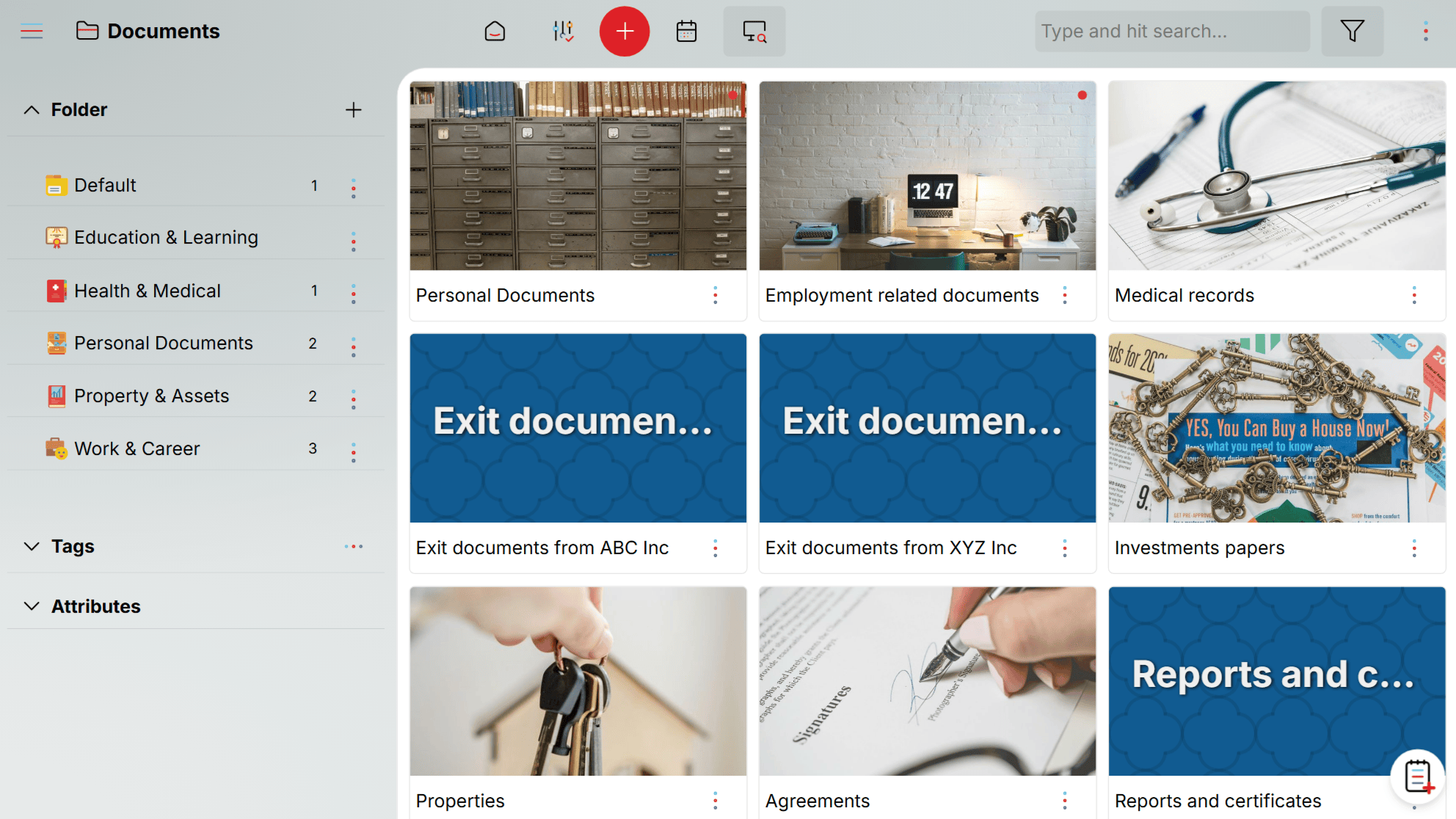
Documents is not general cloud storage. It's purpose-built for the files that carry real significance in your life — identification, legal agreements, medical records, financial documents, certificates, insurance policies. The design philosophy is simple: only store what matters, and store it well.
Every document asset carries a descriptive name and a detailed description. This isn't just metadata — it's what makes your files findable. Name a document "Personal Documents" and describe its contents, and you'll find it in a keyword search years from now.
A single Document asset can hold multiple files. Your "Health Insurance" document might contain the policy PDF, the insurance card scan, the provider directory, and the claim form — all in one place. Your "Car" document might hold the registration, the insurance certificate, and the service history. Group related files together, and they stay together.
Most file storage treats each file as a standalone item. Documents treats a group of related files as a single logical unit. This mirrors how people actually think about documents: "my health insurance" is one thing, even if it's five files.
Organize with folders and tags
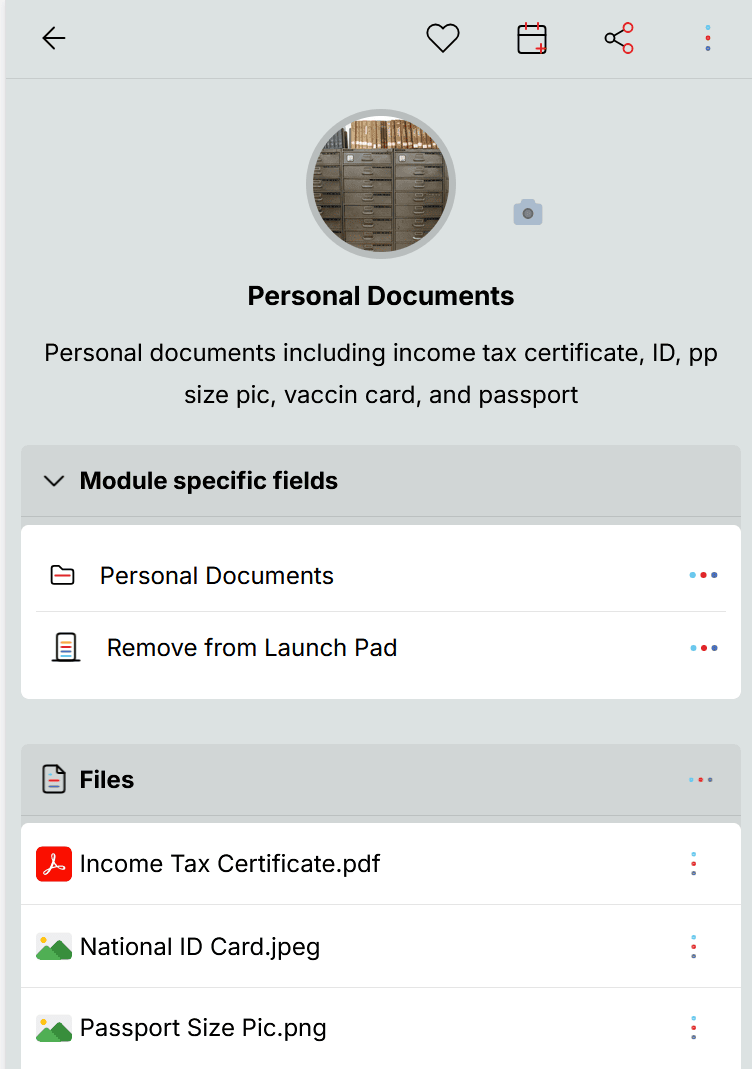
Every document can be placed in a folder and tagged with one or more labels. Folders group by category — Financial, Medical, Legal, Identification, Education, Property. Tags cut across categories: tag a document as "expiring 2026" and filter across all folders to see everything that needs renewal.
Default folders and 50 ready-made tags are available from sign-up. Create custom folders and tags anytime to match your organizational style.
View files without leaving Oddapy
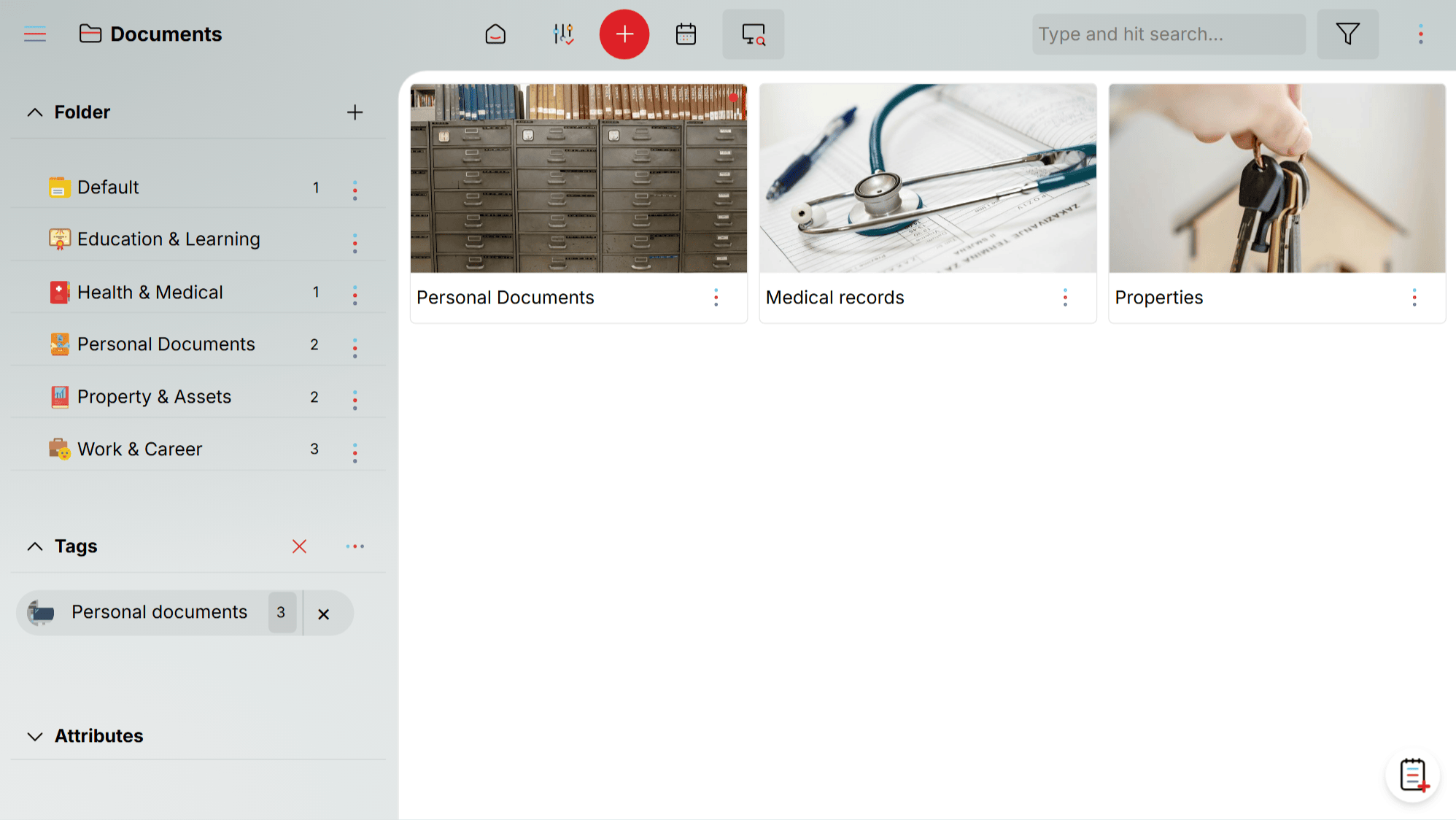
Many common file types can be viewed directly through the built-in document viewer — no need to download and open in another app. PDFs, images, and other supported formats render right inside Oddapy. For unsupported file types, the system triggers a download so you can open the file on your device.
Upload any file type
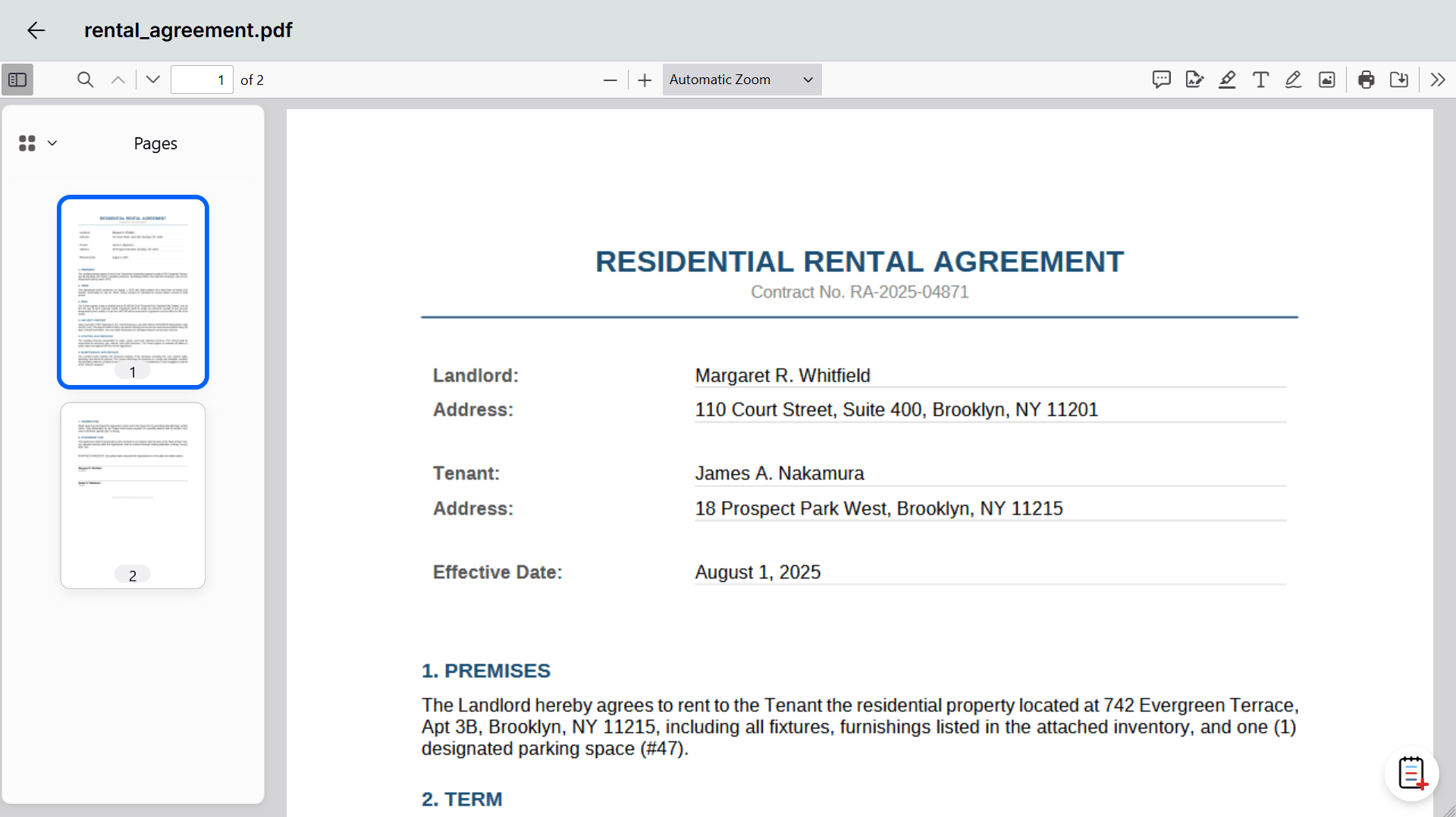
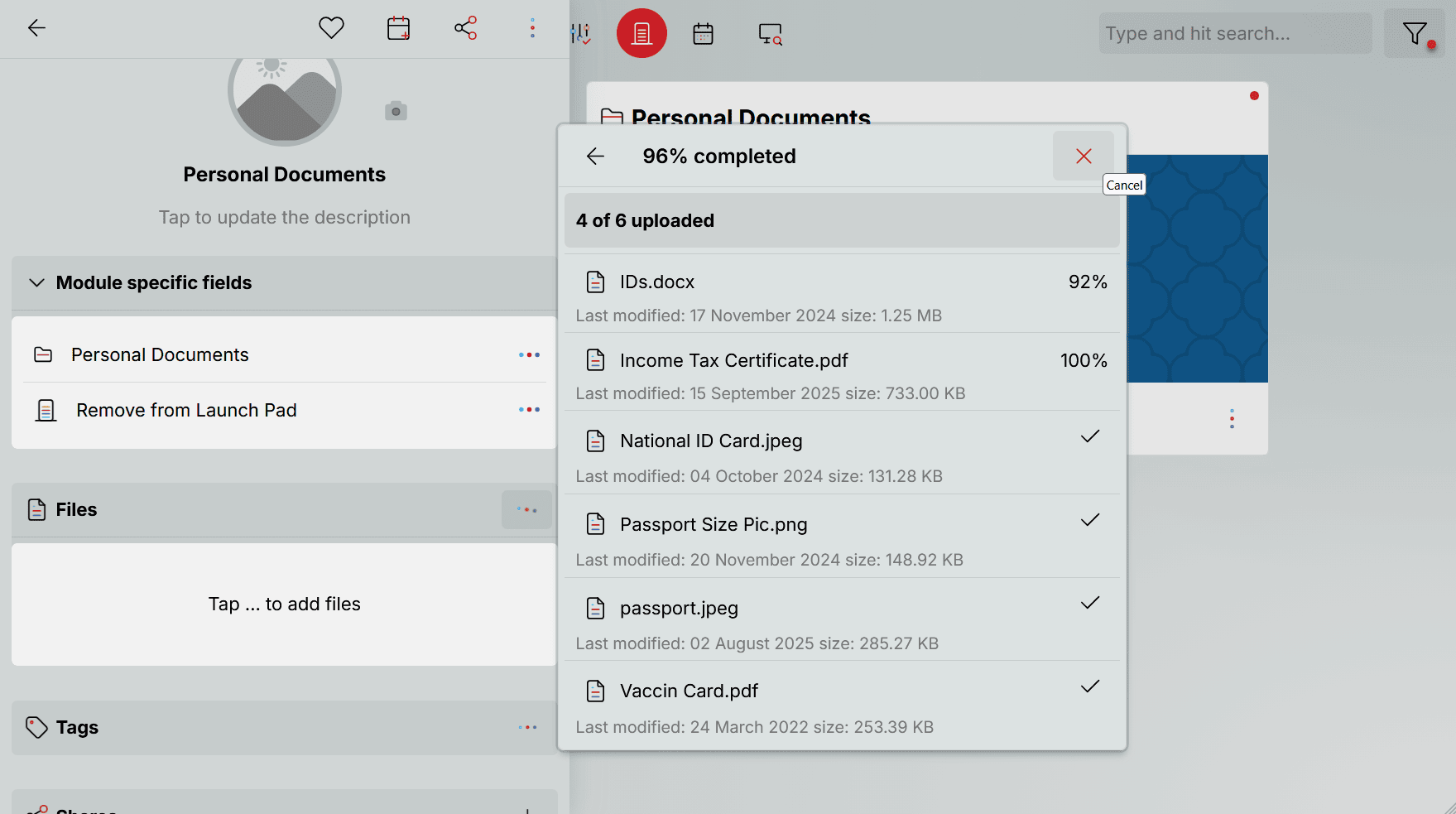
The file uploader accepts any file type. Select one or more files, review the metadata (file size, type, last modified date), and confirm the upload. Files are stored securely in your private space and count toward your storage allocation.
Attach documents to your calendar
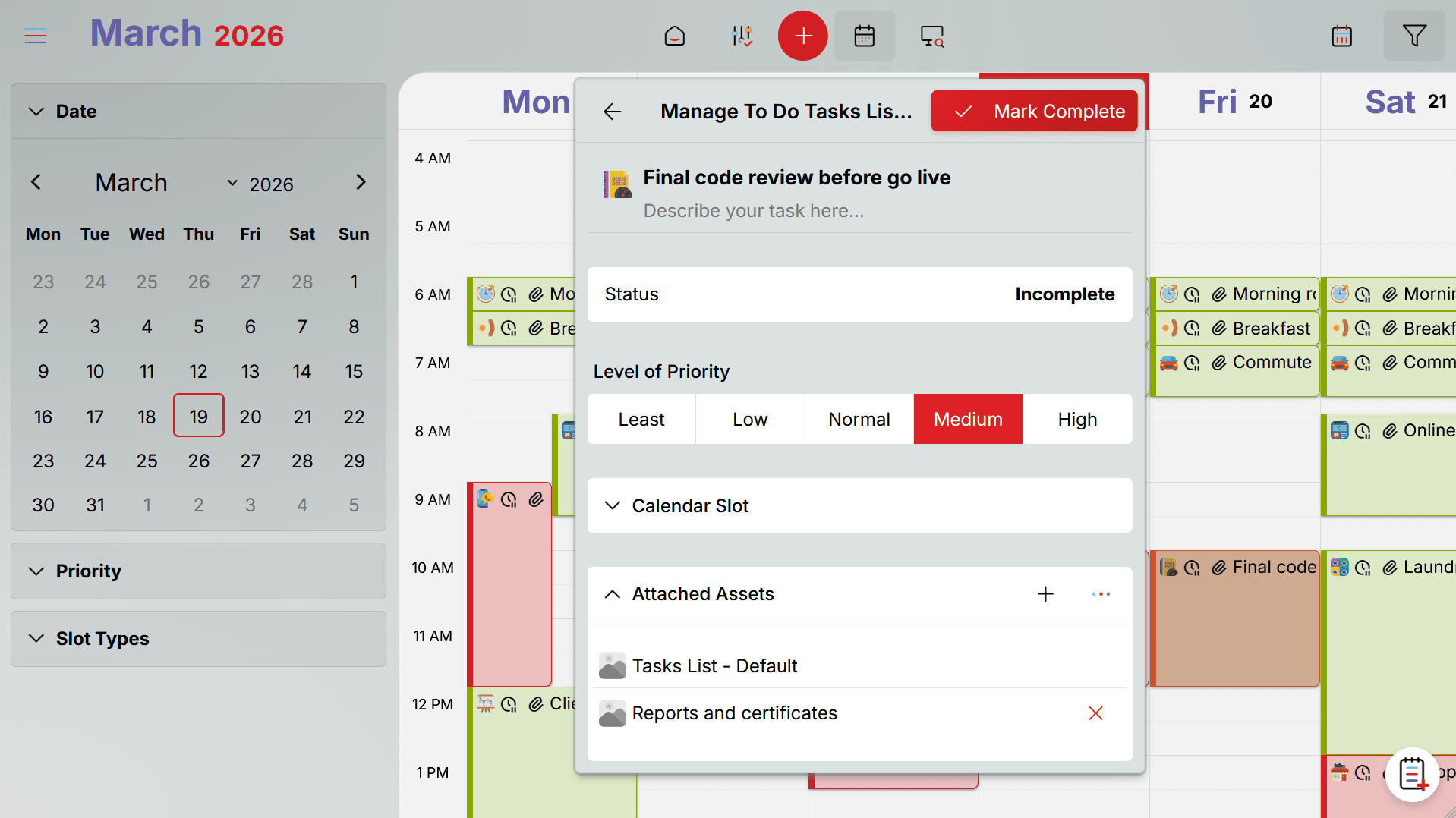
Traveling next week? Attach your passport and visa documents to the travel calendar slot. Tax appointment on Friday? Attach your tax folder to the meeting slot. When the scheduled time arrives, the documents you need are right there — no last-minute searching.
Calendar integration turns Documents from passive storage into an active retrieval system. The right files surface at the right time, because you've already told Oddapy when you'll need them.
Access from any device
Your documents live in Oddapy, not on a single device. Access them from your phone at a hospital, from your laptop during a meeting, from a tablet at the airport. Any device with a browser gives you full access to your document vault. No manual transfers, no USB drives, no emailing files to yourself.
Your critical files, one tap away
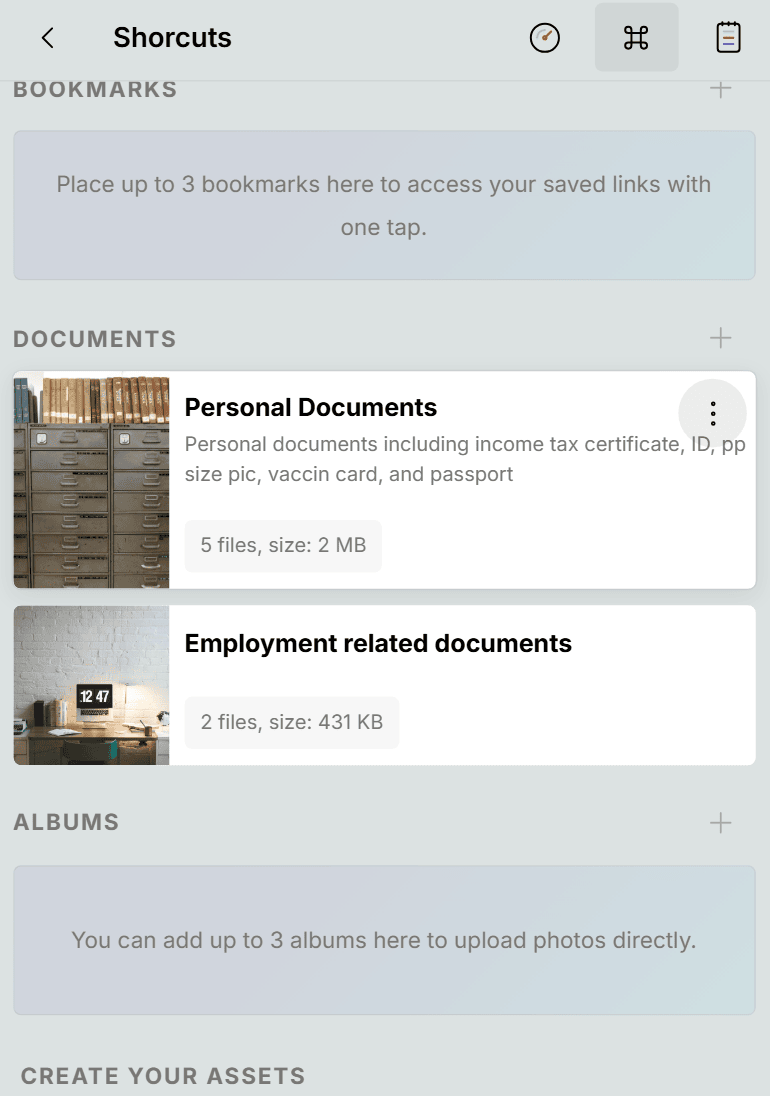
Pin up to three documents to the Launch Pad Shortcuts page. Pinned documents let you upload new files directly from the Launch Pad without navigating into the module. This is ideal for documents you're actively updating — a project folder that receives new files regularly, a medical document that needs an updated scan, or an identification document approaching renewal.
Calendar slots can be attached to pinned documents, linking the file to the moment you'll need it. The Launch Pad becomes not just a shortcut to your files, but a reminder that they're connected to an upcoming event.
Share securely, only when you choose to
Documents can be shared with any Oddapy user. If the recipient is a contact, you share directly with granular permissions — Edit, Delete, Share, and Download, each controlled independently. If the recipient is not a contact, you share via URL — always read-only.
Individual files within a document can also be shared separately via URL. Each file-share link is valid for three uses only, then expires automatically. This limits exposure — a shared file link cannot be passed around indefinitely.
If you've shared a document with edit permissions and need to revoke access, lock the document. Locking restricts all editing instantly without removing the share. Given the sensitive nature of files stored in Documents, the sharing model is deliberately conservative. You are always in control of who sees what, and access can be restricted at any time.
A vault for every important file in your life
Identification & Travel
Passport, driver's license, national ID, visa, birth certificate. Store them all in one document, tag with "identification," and access from any device. Traveling? Attach to your trip's calendar slot so they surface when you need them.
Medical & Health
Insurance cards, policy documents, vaccination records, prescriptions, test results. Group related files in a single document. Tag with "medical" and find everything in one search. Share specific files with a doctor or family member using expiring links.
Financial & Legal
Tax returns, bank statements, contracts, rental agreements, loan documents. Organize by year or category in folders. Tag documents approaching renewal or expiration so you can filter and review them before deadlines.
Education & Career
Transcripts, diplomas, certificates, recommendation letters, employment contracts. Store the files that define your professional history. Access your transcript at a career fair from your phone. Share a certificate with an employer via a secure link.
Your documents are encrypted, private, and under your control
Every file you upload is encrypted at rest and in transit using industry-standard encryption. No one sees your documents but you and the people you explicitly share with. There are no ads, no profiling, and no data selling, your data stays yours.
Oddapy does not scan, index, or analyze your files. General cloud storage services often process your documents for search indexing, ad targeting, or AI training. Oddapy does none of this. Your files are stored, not studied.
Other users cannot discover your account through search. The only way someone connects with you on Oddapy is through a Connection Handle you share outside the app. Your document vault is invisible to everyone but you.
And consider where your personal files live today. If they're on a work laptop or a company cloud account, your employer can access them — your IT department, your manager, anyone with admin rights. That's not privacy. Oddapy gives you a space that's entirely yours, separate from any employer, any shared device, and any corporate policy.
Your first document, stored in under a minute
Create a document
Tap the create button and give your document a name. Add a description that captures what's inside — the more detail you add, the easier it is to find later. Select a folder that fits the document's category.
Upload your files
Select one or more files of any type from your device. Review the file details and confirm. Your files upload and are stored securely in your encrypted private space. Multiple files can live inside a single document, so group related files together.
Tag and connect
Add tags for quick filtering across your collection. Attach the document to a calendar slot if it's linked to an upcoming event — a meeting, a trip, an appointment. Pin it to the Launch Pad if you need frequent access.
Stop searching for the files you can't afford to lose
Sign up free. Store your most important files in an encrypted vault. Folders, tags, and your calendar are ready from day one.
Start Storing Free Install AppDocuments is just one part of an organized life
Store your critical files alongside your goals, notes, shopping lists, bookmarks, and albums. Keep everything connected through one calendar in one app.